Call your child with one tap
Safe school pickup, with no crowding and no waiting.
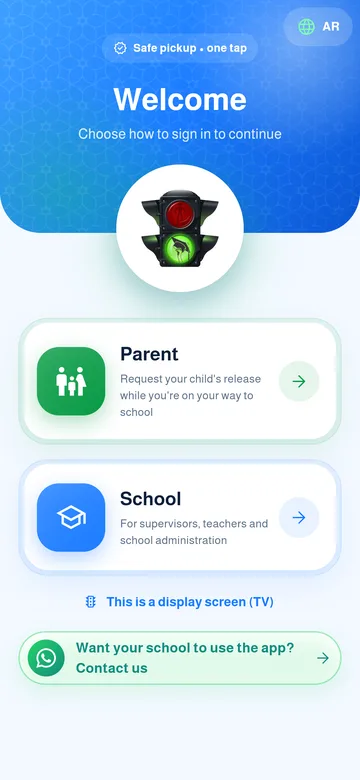
Install the app
From the App Store or Google Play. Free.

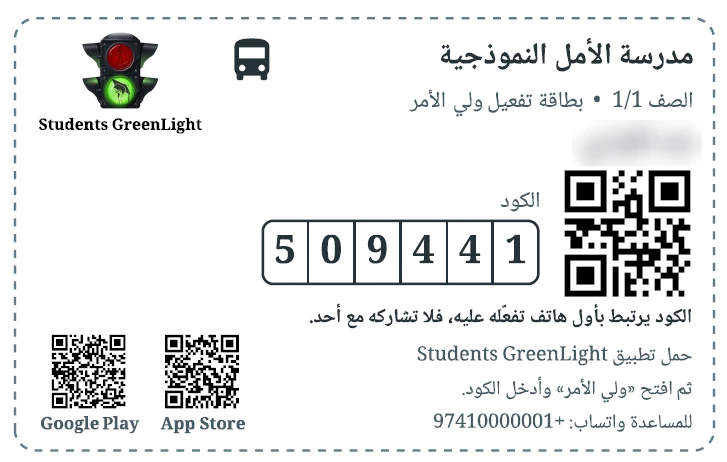
Enter the code
You will find it on the card the school gave you.
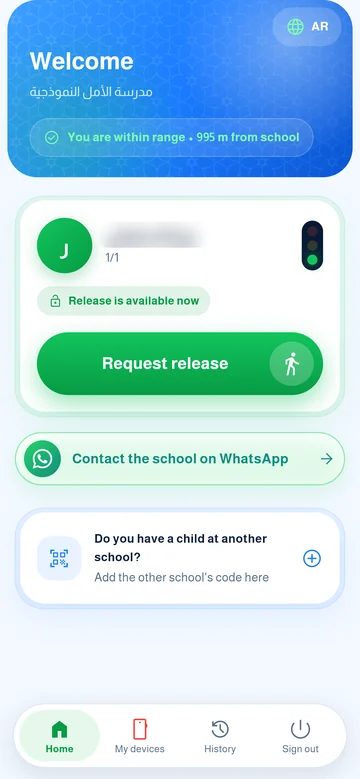
Request when you arrive
Tap the green button when you get there. The supervisor sees it right away.
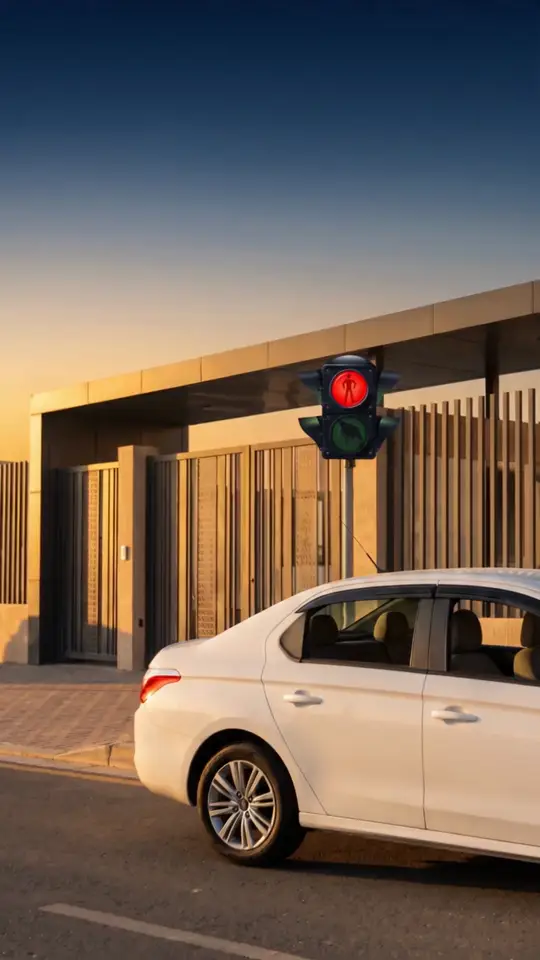
Released
Your child walks out to your car and you get a confirmation message.

Ready?
The download is free and takes a minute.
Common questions
How do I get my activation code?
Your school issues it on a printed card with the code and a QR. On the activation screen type the code or tap “Scan QR”.
I lost my activation code or card?
Ask your school administration for a new code. The new one cancels the old one. On the activation screen you can tap “Forgot my code?” to message your school on WhatsApp.
The code says “invalid” or “expired”?
Check you typed it exactly as on the card. A code that was never activated expires 30 days after it was issued. If it did, ask your school to reissue it.
I see a “blocked” message?
After five wrong attempts activation pauses for a short time (about 30 minutes) and then works again by itself. If you need it right away, give the school the “block number” shown in the message and they can unblock you.
I changed my phone. How do I log in on the new one?
Your family code is tied to the first device that activated it. If you still have the old phone, add the new one from “My devices” → “Add another phone”. Otherwise ask the school for a new code and activate it on the new phone.
I have more than one child?
They all appear on the home screen under the school name. Siblings in the same school share one code if the school linked them.
A child in another school?
On the home screen tap “Have a child in another school?” and enter that school’s code. Each school’s children appear in their own section.
When can I request pickup?
When the pickup window your school sets opens before dismissal, the “Request pickup” button appears. Before that you see an “Exit not available” badge.
Why does the app ask for my location?
To measure how far you are from the school and your expected arrival so the queue is fair. The location is read when you request and refreshed only while the app is open. There is no background tracking.
My request was refused because I am too far?
The school sets a range around it. If you are outside it the request is refused, unless the school allows requests from anywhere. Move closer or ask the school.
What does “Expected arrival X min” mean?
An estimate from your distance to the school, and the queue is ordered by it. When it runs out you count as “arrived”.
Can I cancel a request?
Yes, from your child’s card before a supervisor releases them.
How do I request all my children at once?
Tap “Request all children”. It is sent only for those whose pickup window is open; the others stay.
How does early exit work?
Before dismissal an “Early exit before the end of the day” button appears. You write the reason, it goes to the admin and supervisors, and you get notified of approval or refusal. When approved the student is released right away.
I am not getting notifications?
Check notifications are allowed for the app in your phone settings, that you did not log out, and that the app is up to date, then open it once.
A screen asks me to update the app?
It appears when an update is required. Install the latest version from the store and carry on; your data is unchanged.
I logged out. How do I get back in?
After logging out your code works on the same device only, so enter it again on that phone. On a different phone you need a new code from the school.
How do I change the language?
Tap the EN or AR button at the top of the app’s home screen.
Who can see my data and my children’s?
You see only your own children, and the school sees only its own students. The waiting-room TV shows the names of those cleared to leave, according to the school’s setting.