
Follow your child’s bus
Know where the bus is and when it arrives, from your phone.

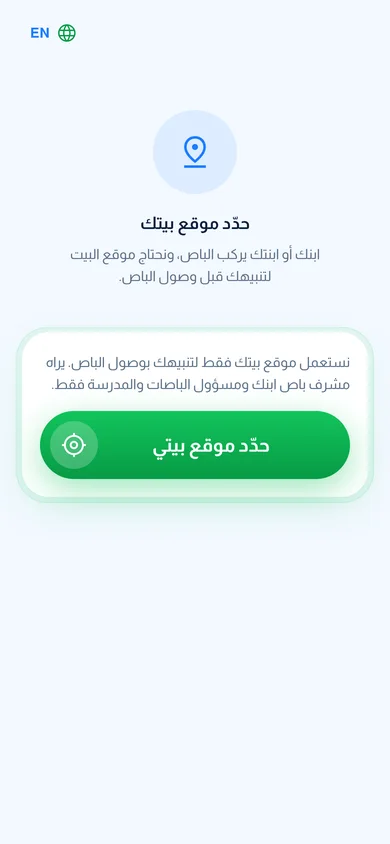
Set your home location
Tap “Set my home location” once so the app knows your child’s stop.

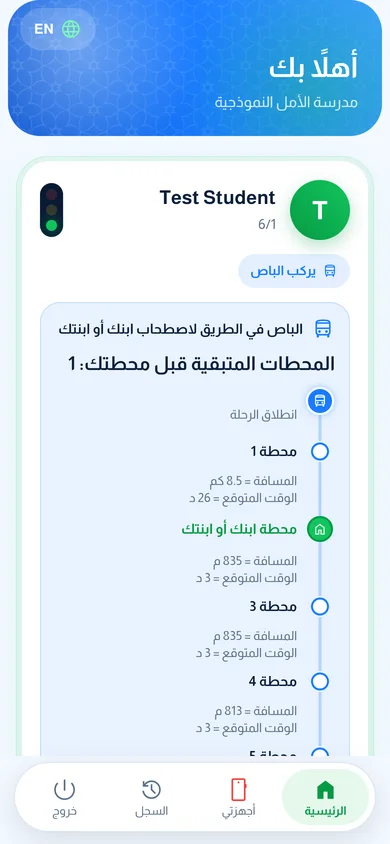
Follow the bus
See the stops left before yours and the expected time.
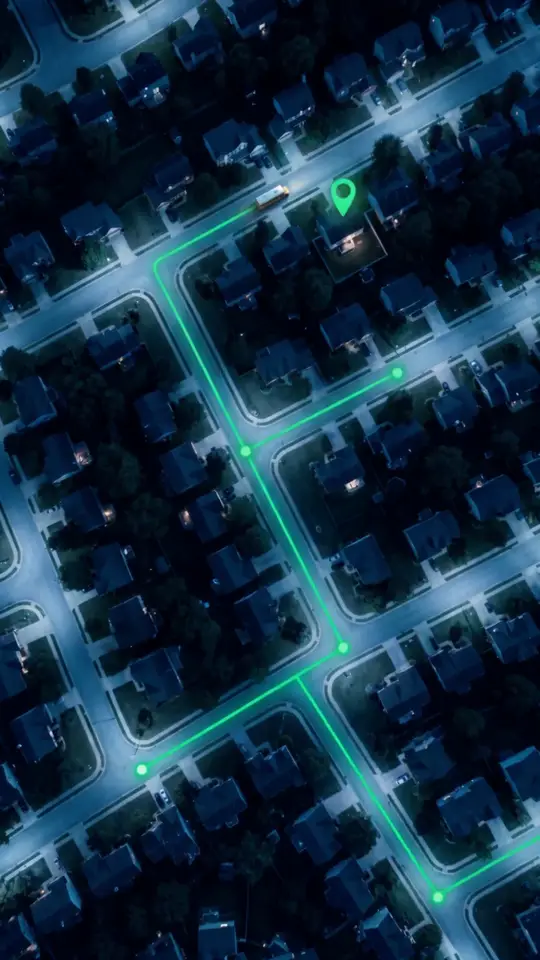
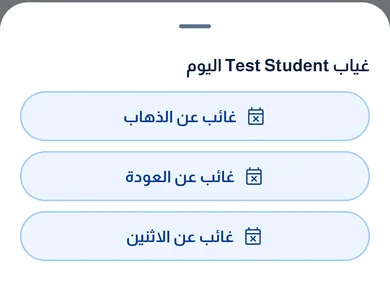
Not riding today? Tell us
Tap “Won’t ride the bus today” so the supervisor does not wait.
The bus arrived
You get a message before your child’s stop, and another when the bus reaches school.

Ready?
The download is free and takes a minute.
Common questions
Why does the app ask for my home location for the bus?
To place your child at the stop nearest your home. You set it once and can change it. Only your child’s bus supervisor and the bus manager see it.
Do I see the bus live on a map?
No. The bus location updates at each stop, so you see how many stops are left and the expected time.
My child will not ride the bus today?
Tap “Won’t ride the bus today”, then choose the trip to school, the trip home, or both. You can undo it.
How do I call the bus supervisor?
Tap the “Call” button on your child’s card. It shows when the school has saved the supervisor’s number.